Download Textures for Minecraft PE Latest Version For Phone to upgrade visuals with improved lighting, optimized performance, stylized environments, and enhanced atmosphere. These texture packs transform the appearance of Minecraft Pocket Edition while keeping gameplay smooth and responsive on mobile devices.
Download Textures for Minecraft PE Latest Version
| Bare Bones Leafier Leaves | |
| Default 8×8 | |
| Reimagined Sky Cubemaps | |
| Action and Stuff 1.9 | |
| Low Fire |
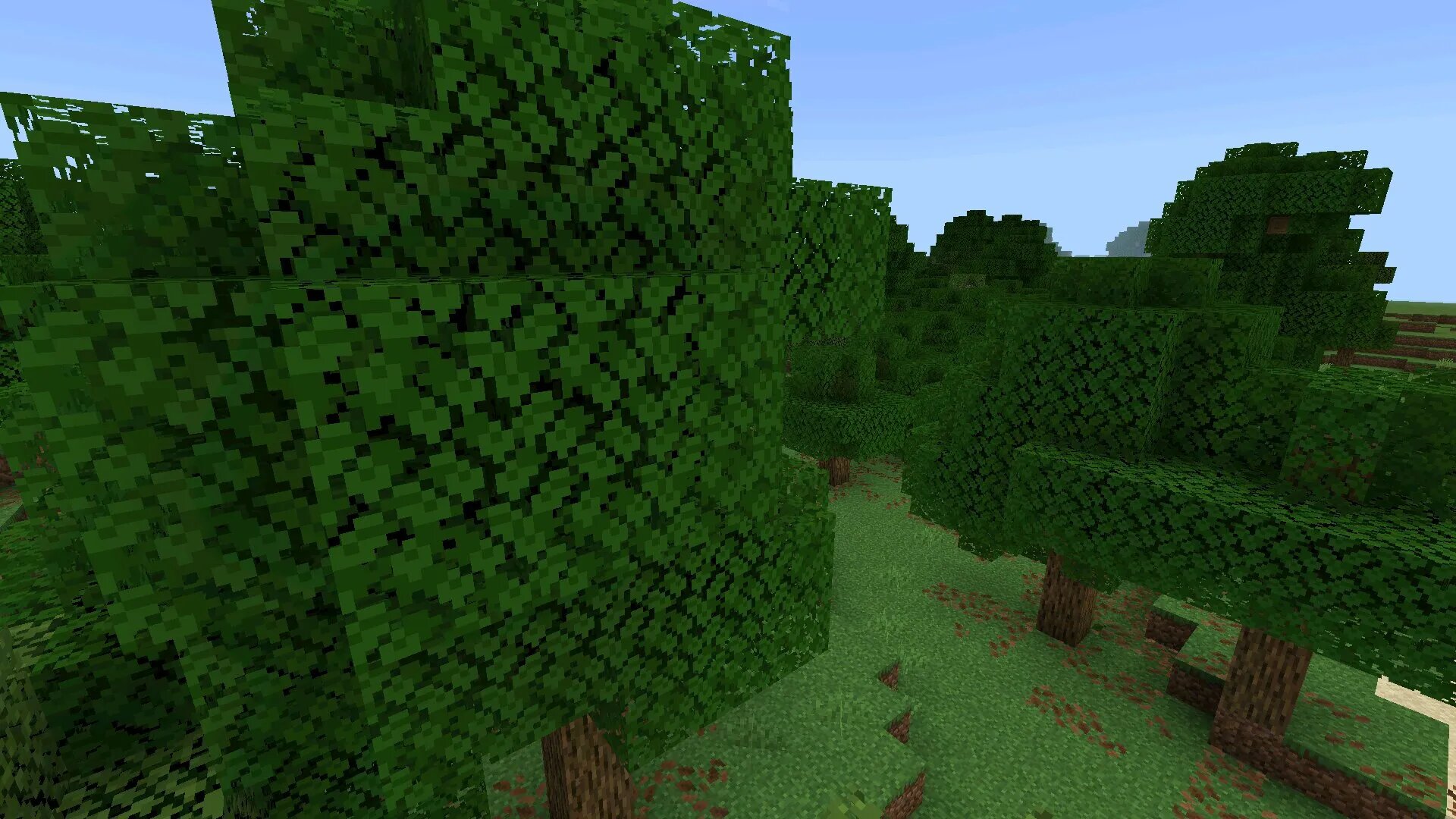
Bare Bones Leafier Leaves
Bare Bones Leafier Leaves is a visual-focused texture pack that enhances foliage while keeping the minimalist style of the original game. It improves how trees and plants appear without overloading the system, making it ideal for mobile devices.
Visual Improvements
The main feature of this texture pack is denser and more natural-looking leaves. Trees feel fuller, forests appear more alive, and the environment becomes visually richer without changing the core design language of Minecraft.
- Denser and more detailed leaves
- Improved forest atmosphere
- Minimalist style preserved
- Optimized for mobile performance
Gameplay Impact
This texture pack does not affect mechanics but improves immersion. Exploring forests becomes more enjoyable, and natural environments feel more dynamic and visually complete.
| Texture focus | Foliage |
| Performance impact | Low |
| Best use | Exploration |
Best Scenarios
Players who enjoy building bases in forests or exploring natural biomes will benefit the most. It adds visual depth while keeping the game smooth on Android devices.
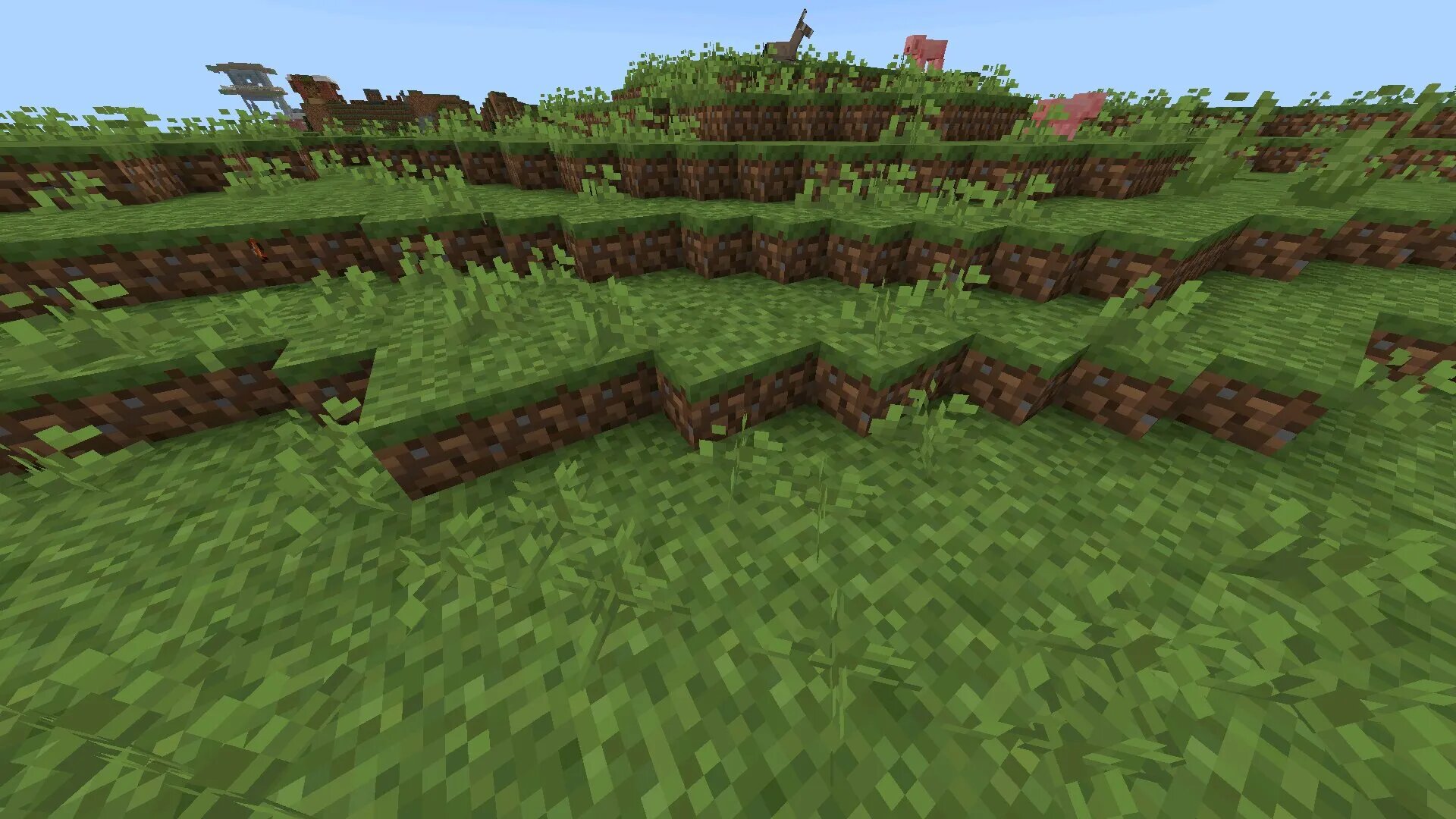
Default 8×8
Default 8×8 is a performance-oriented texture pack that reduces resolution to improve frame rate and stability. It is designed for players using low-end or mid-range devices who want smoother gameplay.
Performance Optimization
By lowering texture resolution, this pack reduces GPU load and memory usage. This results in faster rendering, reduced lag, and improved overall performance.
- Lower resolution textures
- Improved FPS stability
- Reduced device heating
- Better battery efficiency
Visual Style
Despite the reduced resolution, the pack maintains the recognizable Minecraft style. The simplified textures create a clean and lightweight visual experience.
| Resolution | 8×8 |
| Main benefit | Performance boost |
| Target devices | Low-end Android |
Usage Advantages
This texture pack is ideal for long gameplay sessions where stability is more important than visual detail. It ensures smooth performance even in complex worlds or multiplayer environments.
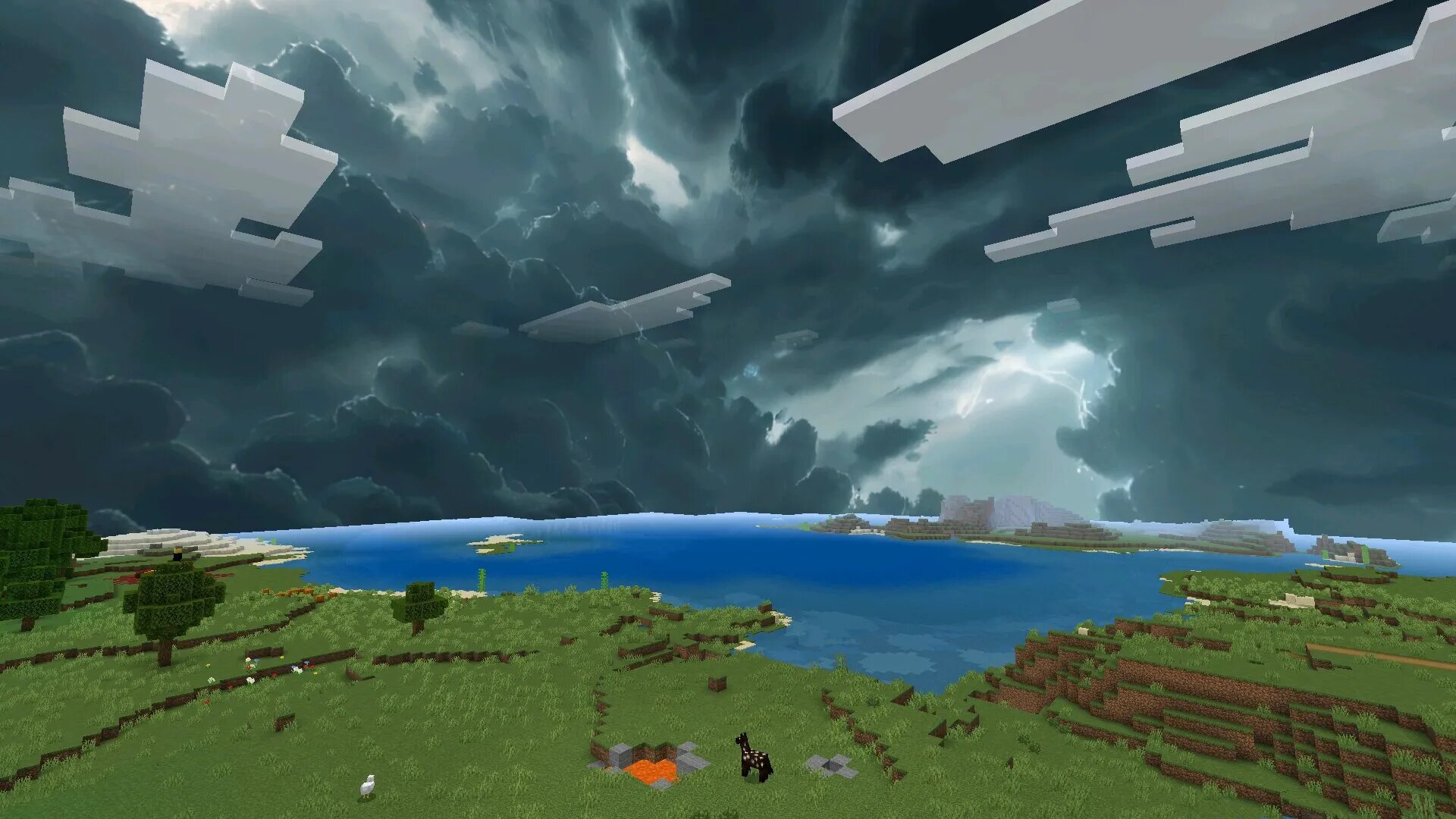
Reimagined Sky Cubemaps
Reimagined Sky Cubemaps focuses on improving the sky and atmospheric visuals. It replaces the default sky with high-quality textures that change the overall mood of the game.
Atmospheric Enhancements
The texture pack introduces realistic sky gradients, detailed clouds, and enhanced lighting effects. Daytime becomes brighter and more vibrant, while nighttime gains depth and contrast.
- High-quality sky textures
- Improved cloud rendering
- Enhanced sunrise and sunset colors
- Better night sky visuals
Immersion Benefits
These improvements make the world feel larger and more alive. Players experience a stronger connection to the environment, especially during exploration or creative building.
| Focus area | Sky and atmosphere |
| Visual effect | Realistic lighting |
| Best usage | Exploration and visuals |
Compatibility
Reimagined Sky Cubemaps works well with other texture packs and shaders. It can be combined with performance or gameplay-focused packs to create a balanced experience.
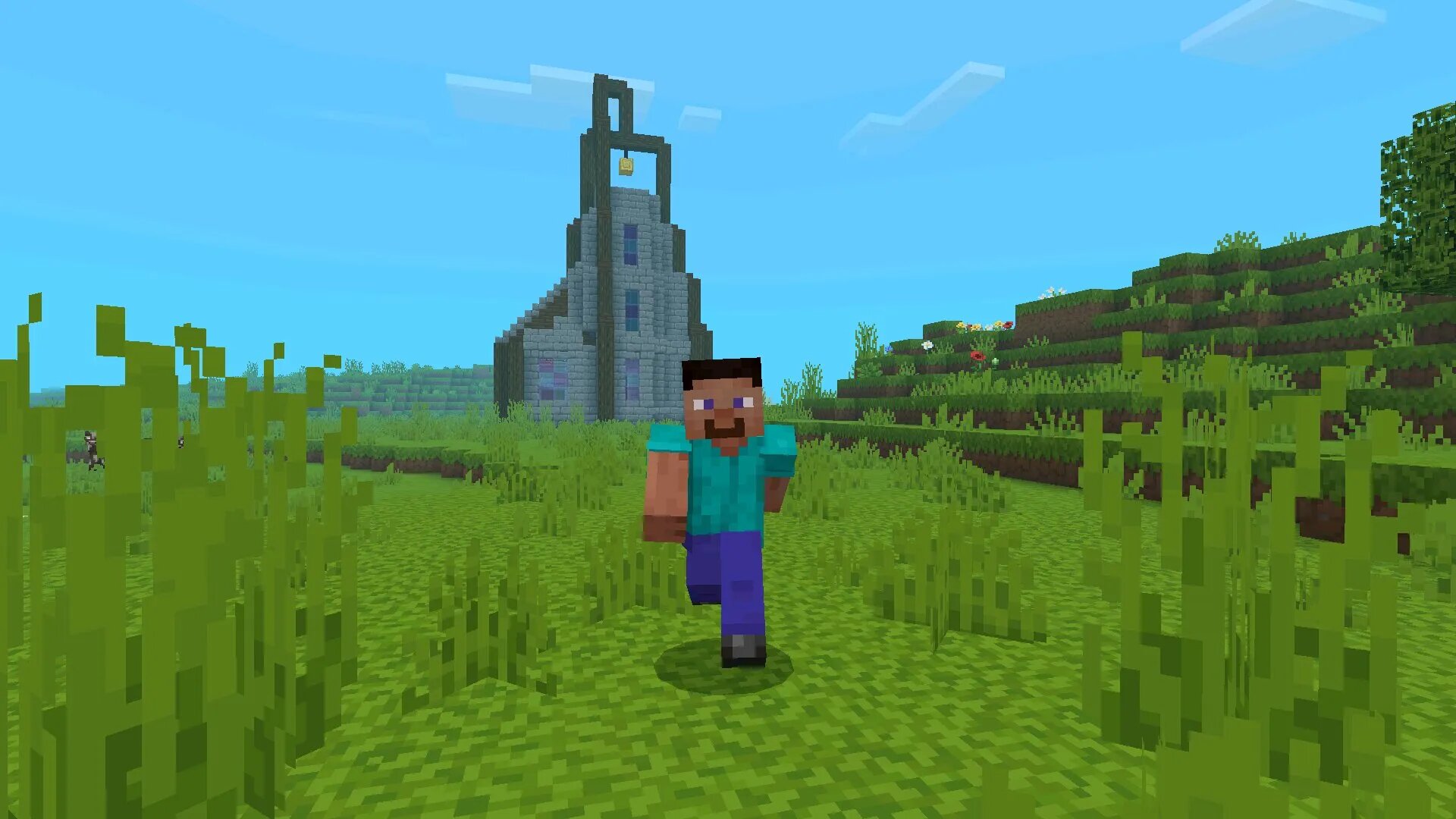
Action and Stuff
Action and Stuff is a dynamic texture pack that enhances animations, item visuals, and interaction feedback in Minecraft Pocket Edition. Instead of only changing static textures, it focuses on how objects and actions feel during gameplay, making movement and combat more immersive.
Animation Enhancements
This texture pack improves how items and entities behave visually. Tools, weapons, and interactions feel more responsive, giving players better feedback during gameplay actions.
- Smoother item animations
- Enhanced attack feedback
- Improved interaction visuals
- More dynamic gameplay feel
Combat Experience
With Action and Stuff enabled, combat becomes more visually engaging. Attacks feel more impactful, and movements appear more fluid, which helps players react faster during battles.
| Focus | Animations and feedback |
| Main benefit | Improved responsiveness |
| Best use | Combat and interaction |
Gameplay Impact
This texture pack does not change mechanics but enhances how players perceive them. It is especially useful in PvP and fast-paced gameplay where visual clarity and responsiveness are important.
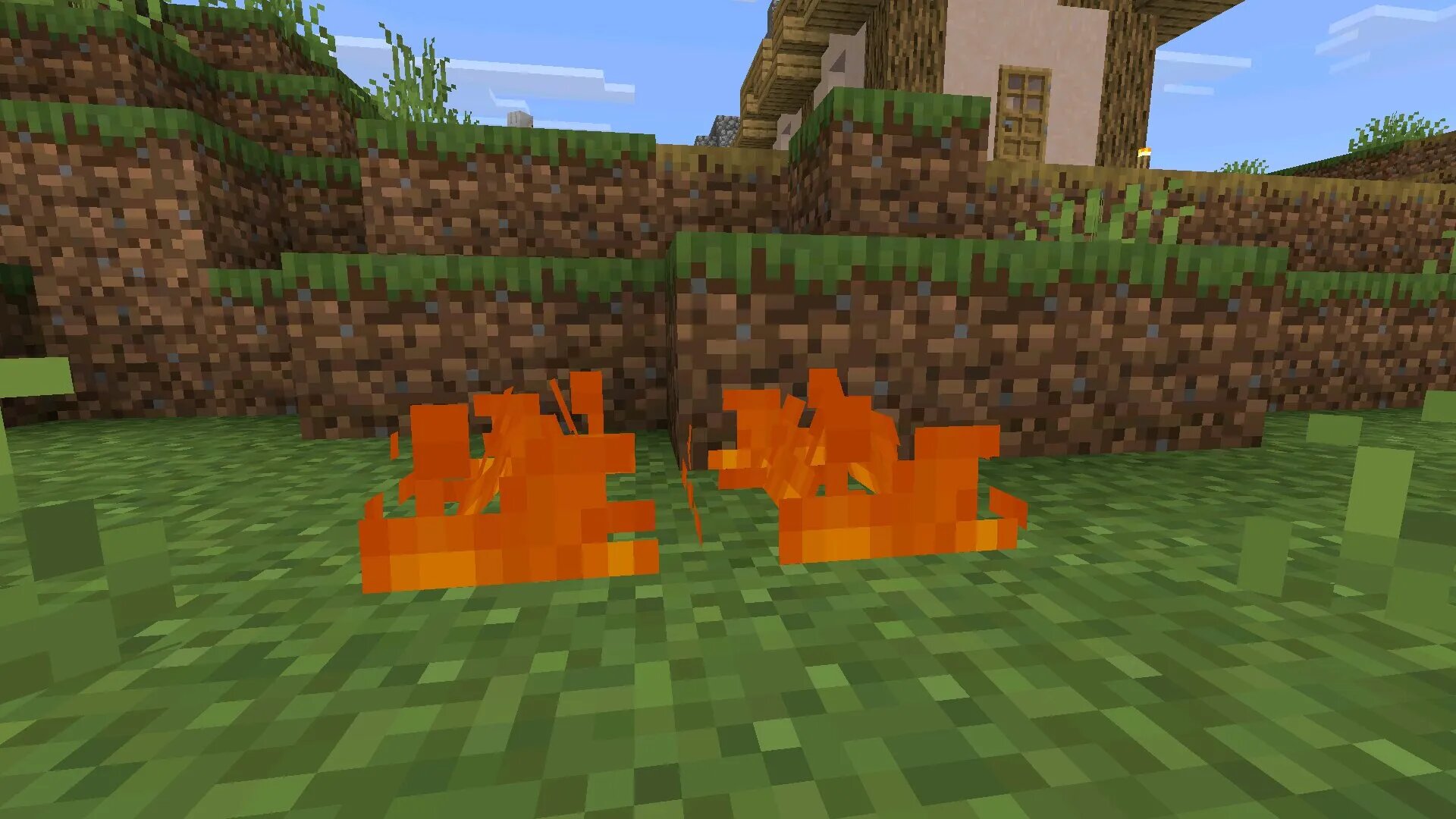
Low Fire
Low Fire is a utility texture pack designed to improve visibility when players are on fire. It reduces the size and intensity of fire textures, making it easier to see surroundings during combat or exploration.
Visibility Improvement
Normally, fire effects can block a large portion of the screen. Low Fire minimizes this obstruction, allowing players to maintain awareness even when taking fire damage.
- Reduced fire overlay size
- Clearer screen visibility
- Better combat awareness
- Improved survival experience
Combat Advantages
This texture pack is particularly useful in situations involving lava, fire-based mobs, or PvP encounters. Players can continue fighting effectively without losing sight of targets.
| Effect type | Fire overlay reduction |
| Main benefit | Visibility |
| Best use | Combat and survival |
Practical Use
Low Fire is widely used by players who focus on competitive gameplay or hardcore survival. It ensures that visual effects do not interfere with decision-making during critical moments.
Combining Texture Packs
Using multiple texture packs together allows players to create a balanced visual setup. By combining performance, visual, and utility textures, it is possible to optimize both appearance and gameplay efficiency.
- Combine Default 8×8 with Low Fire for performance and clarity
- Use Bare Bones Leafier Leaves with Sky Cubemaps for immersion
- Add Action and Stuff for better interaction feedback
- Mix packs carefully to avoid conflicts
| Texture type | Purpose |
| Performance packs | FPS optimization |
| Visual packs | Graphics enhancement |
| Utility packs | Gameplay improvement |
Performance and Installation Tips
To ensure stable performance on Android devices, players should follow best practices when installing and using texture packs.
- Use lightweight textures on low-end devices
- Avoid stacking too many high-resolution packs
- Test texture combinations in a separate world
- Adjust graphics settings for better balance
Following these guidelines helps maintain smooth gameplay while still improving visuals.
Why Use Texture Packs in Minecraft PE
Texture packs allow players to completely change how the game looks without altering its core mechanics. They improve immersion, optimize performance, and provide tools for better gameplay visibility.
Whether the goal is better graphics, smoother performance, or improved combat awareness, texture packs give players full control over their visual experience on mobile devices.
FAQ
What are texture packs in Minecraft PE?
Texture packs are visual modifications that change how blocks, items, mobs, and environments look in Minecraft Pocket Edition without affecting core gameplay mechanics.
Do texture packs affect performance on mobile devices?
Yes, high-resolution texture packs can reduce FPS on weaker devices, while optimized packs like Default 8×8 can improve performance and stability.
Which texture pack is best for better FPS?
Lightweight packs such as Default 8×8 are best for improving performance, as they reduce graphical load and help maintain smooth gameplay.
Can I use multiple texture packs at the same time?
Yes, Minecraft PE allows combining multiple texture packs, but they must be arranged in the correct order to avoid visual conflicts.
Is it safe to install texture packs?
Texture packs are safe if downloaded from trusted sources. Always check files before installing to avoid corrupted or unsafe content.
Do texture packs change gameplay mechanics?
No, texture packs only modify visuals. They do not change crafting, combat, or survival mechanics.
What is the purpose of Low Fire texture?
Low Fire reduces the fire overlay on the screen, improving visibility during combat and helping players react faster in dangerous situations.
Are texture packs compatible with multiplayer?
Yes, most texture packs work in multiplayer, but some servers may override or restrict custom resource packs.
How do I install texture packs in Minecraft PE?
You need to import the texture file, activate it in the resource pack settings, and then apply it to your world.
Which texture pack is best for realistic visuals?
Packs like Reimagined Sky Cubemaps and Bare Bones Leafier Leaves enhance atmosphere and realism while keeping performance stable.