Download Plugins for MCPE Latest Version For Android to enhance gameplay with advanced mechanics, improved mobility systems, new interactive features, and powerful combat tools. These plugins expand Minecraft Pocket Edition by adding dynamic abilities, modern systems, and practical utilities for both survival and creative modes.
Download Plugins for MCPE Latest Version
| Double Jump | |
| Smartphones | |
| Alchemy | |
| Zoom Now | |
| One Hit One Kill |
Double Jump
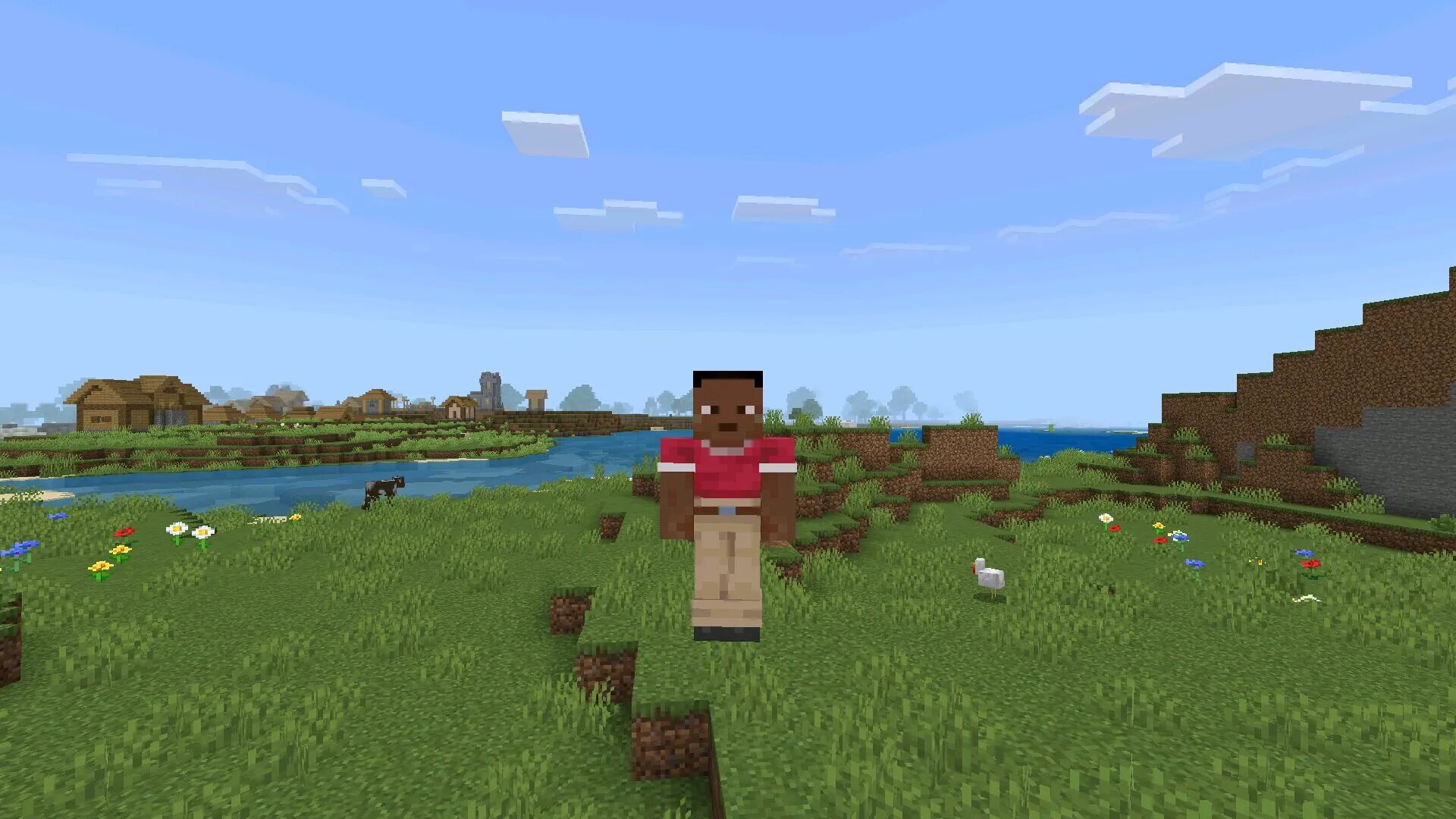
The Double Jump plugin introduces an advanced mobility mechanic that significantly improves vertical movement in Minecraft Pocket Edition. Instead of relying only on standard jumps, players gain the ability to perform a second jump mid-air, allowing for faster traversal and more dynamic gameplay.
Enhanced Movement System
This plugin transforms how players move across terrain. Climbing mountains, crossing gaps, and navigating complex structures becomes easier and more fluid.
- Second jump activation in mid-air
- Improved parkour mechanics
- Faster terrain navigation
- Better mobility in survival and PvP
Gameplay Advantages
Double Jump provides a clear advantage in exploration and combat situations. Players can avoid fall damage scenarios, escape enemies, and reach elevated positions more efficiently.
| Mobility type | Air movement |
| Main benefit | Vertical access |
| Best usage | Parkour and combat |
Practical Usage
The plugin is especially useful in parkour maps and multiplayer arenas. It allows players to create more complex movement strategies and reduces limitations imposed by standard mechanics.
It also integrates smoothly into survival gameplay, providing a balanced upgrade without breaking core mechanics.
Smartphones
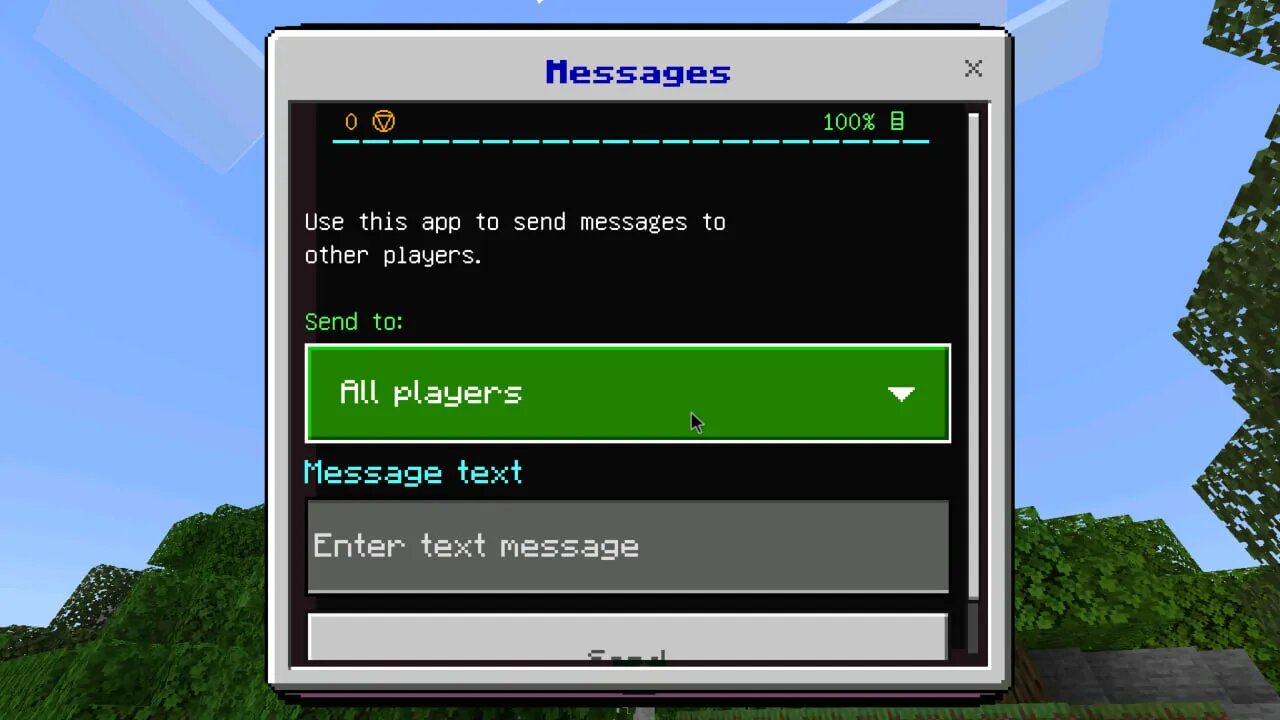
The Smartphones plugin introduces a modern interactive system into Minecraft Pocket Edition. Players gain access to in-game devices that simulate real-world smartphone functionality, adding a completely new layer of interaction.
Interactive Features
This plugin adds a digital interface that allows players to perform various actions directly within the game world. It blends technology with the sandbox environment in a unique and engaging way.
- In-game smartphone interface
- Access to multiple digital functions
- Interactive UI elements
- Roleplay and creative support
Gameplay Integration
The Smartphones plugin is often used in roleplay scenarios and custom worlds. Players can simulate communication systems, manage tasks, and enhance immersion through interactive elements.
| Function type | Interactive UI |
| Primary use | Roleplay |
| Compatibility | Creative and survival |
Creative Possibilities
This plugin allows players to design modern environments, simulate real-life scenarios, and create advanced roleplay systems. It is particularly popular on multiplayer servers where communication and interaction are essential.
With Smartphones enabled, Minecraft becomes more than just a survival game—it turns into a customizable social platform.
Alchemy
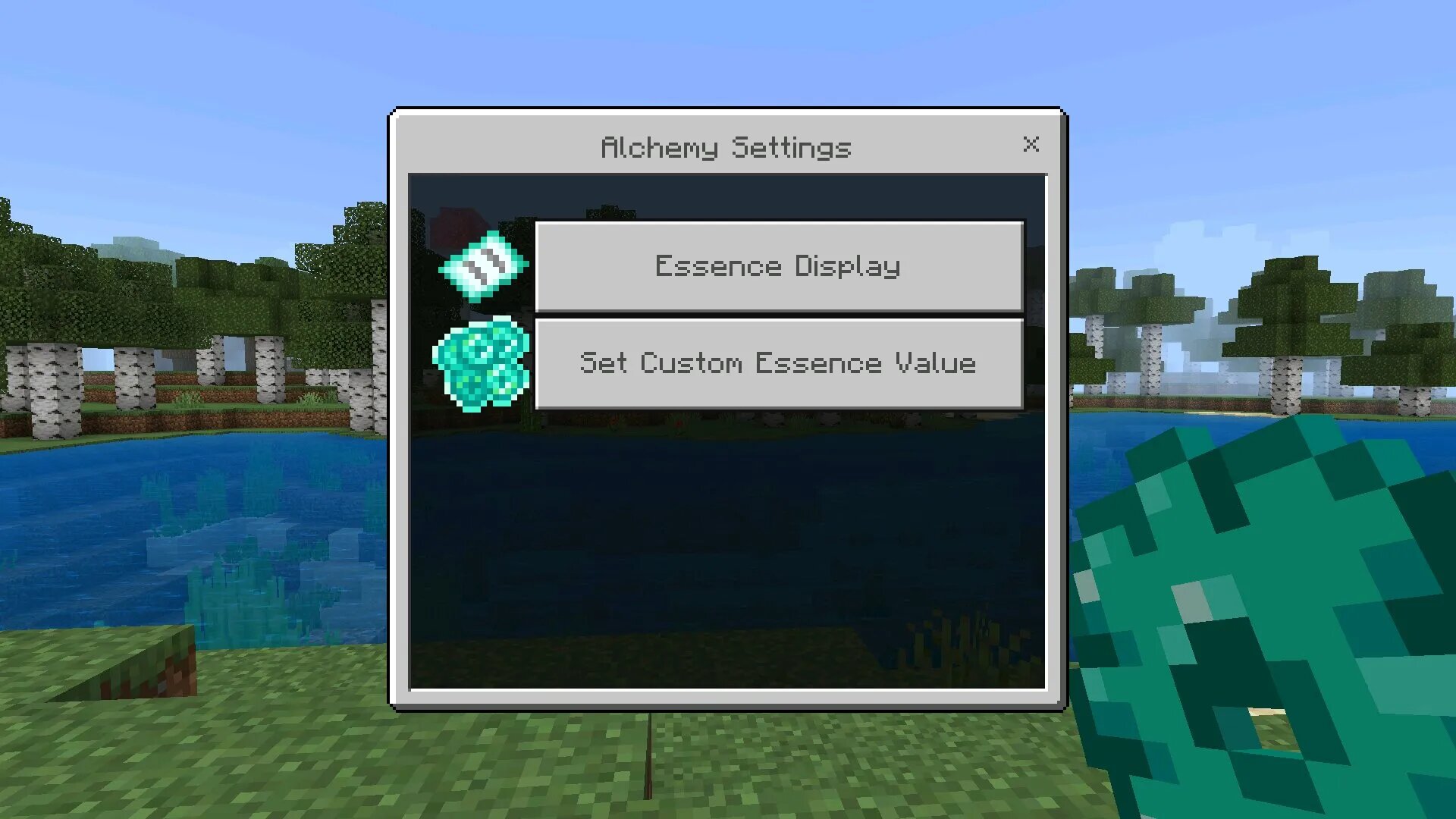
The Alchemy plugin expands crafting and potion systems by introducing deeper mechanics and new combinations. Players gain access to advanced brewing features that go beyond the standard Minecraft system.
Expanded Crafting System
This plugin enhances the traditional alchemy mechanics by adding new recipes, effects, and combinations. Players can experiment with different ingredients to discover powerful outcomes.
- New potion combinations
- Extended crafting possibilities
- Improved effect variety
- Enhanced survival strategy
Gameplay Impact
Alchemy changes how players approach survival. Instead of relying only on basic potions, they can create customized effects tailored to specific situations such as combat, exploration, or resource gathering.
| System type | Potion crafting |
| Main advantage | Customization |
| Best use | Survival progression |
Strategic Depth
Players must think carefully about ingredient combinations and timing. This adds a layer of strategy that makes gameplay more engaging and less predictable.
The plugin is ideal for players who enjoy experimenting and optimizing their survival approach.
Zoom Now
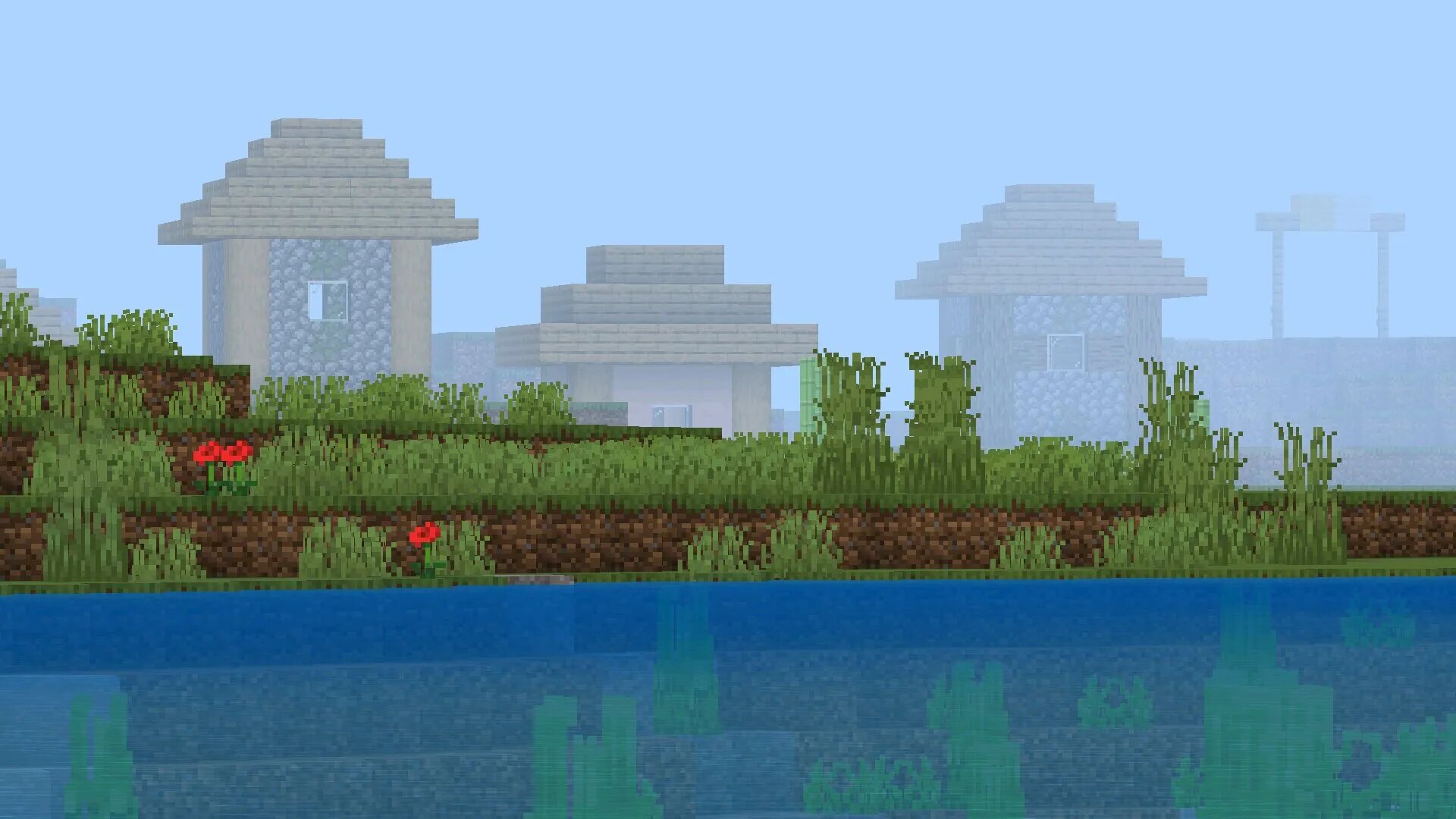
The Zoom Now plugin introduces a simple yet highly effective visual enhancement that allows players to zoom in on distant objects without changing their position. This feature significantly improves observation, navigation, and precision gameplay in Minecraft Pocket Edition.
Visual Control System
With Zoom Now enabled, players can focus on specific areas of the environment, making it easier to identify structures, mobs, or important landmarks from a distance. This is especially useful in large open-world environments where visibility plays a key role.
- Instant zoom activation
- Improved long-distance visibility
- Better environmental awareness
- Useful for exploration and combat
Exploration Benefits
This plugin enhances exploration by allowing players to scout locations before approaching them. Whether searching for villages, caves, or rare biomes, Zoom Now reduces unnecessary travel and helps players plan their route more efficiently.
| Feature type | Visual zoom |
| Main purpose | Long-range observation |
| Best use | Exploration and scouting |
Combat Applications
Zoom Now also provides an advantage in combat situations. Players can detect enemies earlier, aim more accurately with ranged weapons, and avoid unexpected encounters.
This makes it a valuable tool for both survival gameplay and competitive multiplayer scenarios.
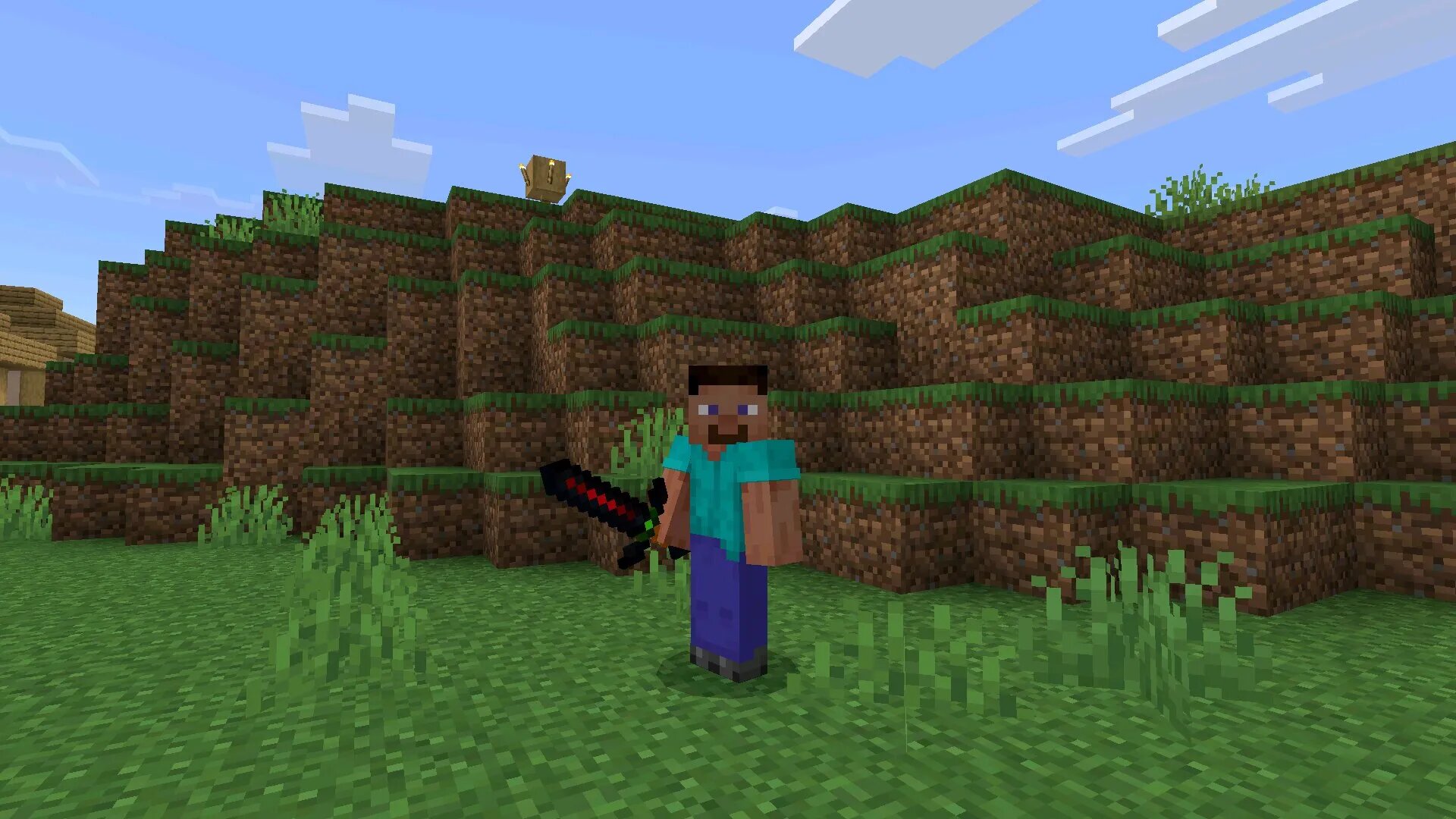
One Hit One Kill
The One Hit One Kill plugin is designed for players who want maximum combat efficiency. It modifies the damage system so that most enemies can be defeated with a single attack, drastically changing the pace of gameplay.
High-Damage Mechanics
This plugin amplifies attack power to extreme levels, allowing players to eliminate threats instantly. It simplifies combat and removes the need for prolonged battles.
- Instant enemy elimination
- High damage output
- Fast combat resolution
- Efficient mob farming
Gameplay Impact
With One Hit One Kill enabled, survival gameplay becomes faster and more action-focused. Players spend less time fighting and more time exploring, building, or progressing through the game.
| Damage type | Maximum |
| Combat duration | Instant |
| Best use | Farming and speed gameplay |
Use Cases
This plugin is ideal for players who want to test builds, farm resources quickly, or experiment with gameplay mechanics without being slowed down by combat difficulty.
It is also useful in creative scenarios where combat is not the main focus but still needs to be efficient.
Combining Plugins for Maximum Effect
Using multiple plugins together can dramatically transform Minecraft Pocket Edition. By combining mobility, combat, visual, and utility plugins, players can create a completely customized gameplay experience.
- Combine Double Jump with Zoom Now for better navigation
- Use Alchemy with combat plugins for advanced strategies
- Pair Smartphones with creative builds for roleplay
- Enable One Hit One Kill for fast progression
| Plugin type | Function |
| Movement plugins | Mobility improvement |
| Combat plugins | Damage and efficiency |
| Utility plugins | Gameplay control |
Installation and Performance Tips
To ensure stable performance, players should follow best practices when installing and using plugins on Android devices.
- Install plugins compatible with your game version
- Avoid running too many heavy plugins simultaneously
- Enable experimental settings if required
- Test plugins in a separate world before main usage
Proper configuration ensures smooth gameplay and prevents crashes or unexpected issues during long play sessions.
Why Plugins Improve Minecraft PE
Plugins allow players to go beyond the limitations of standard gameplay. They introduce new mechanics, improve performance, and provide tools that adapt the game to individual preferences.
Whether focused on exploration, combat, or creativity, plugins make Minecraft Pocket Edition more flexible and engaging. By selecting the right combination, players can build a unique experience tailored to their playstyle on mobile devices.
FAQ
What are plugins for Minecraft Pocket Edition?
Plugins for Minecraft Pocket Edition are additional systems that expand the core gameplay without replacing it. They add new mechanics such as improved movement, combat tools, visual features, and interactive elements. Unlike standard gameplay, plugins allow players to customize how the game behaves, making survival, creative, and multiplayer experiences more flexible.
How do plugins differ from other modifications?
Plugins are typically designed to enhance specific aspects of gameplay without completely changing the game structure. They focus on utility, performance, and mechanics, while keeping the original game logic intact. This makes them more stable and easier to integrate into existing worlds compared to larger modifications.
Can I use multiple plugins at the same time?
Yes, multiple plugins can be used together, but compatibility depends on how they interact with each other. Combining plugins like Double Jump and Zoom Now usually works well, while stacking multiple heavy combat or rendering systems may cause performance issues. Testing combinations in a separate world is recommended.
Are plugins safe to use on Android devices?
Plugins are safe if downloaded from trusted sources and installed correctly. It is important to verify compatibility with your game version and avoid unknown files. Keeping your device secure and updated helps prevent potential issues.
Do plugins affect game performance?
Most plugins are optimized for mobile devices and have minimal impact on performance. However, running too many plugins at once or using poorly optimized ones can cause lag, increased battery usage, or crashes. Choosing lightweight and well-optimized plugins ensures stable gameplay.
Can plugins be used in multiplayer worlds?
Yes, many plugins can be used in multiplayer, but it depends on server rules. Some servers restrict plugin usage to maintain fairness. In private worlds or Realms, plugins can enhance cooperative gameplay by adding new mechanics and improving interaction between players.
How do I install plugins for Minecraft Pocket Edition?
Installation usually involves importing plugin files into the game and activating them in world settings. Some plugins may require enabling experimental features. For APK-based plugins like Toolbox, installation includes running a separate application that connects to the game.
Which plugin is best for improving movement?
The Double Jump plugin is one of the best options for improving movement. It allows players to perform an additional jump in mid-air, making exploration faster and parkour gameplay more dynamic. It is especially useful in maps with vertical structures.
Which plugin is best for combat?
For combat-focused gameplay, One Hit One Kill and Apollon are the most effective. One Hit One Kill simplifies battles by allowing instant elimination of enemies, while Apollon provides a balanced set of combat enhancements, including improved accuracy and faster reactions.
Why should I use plugins in Minecraft PE?
Plugins allow players to customize the game according to their preferences. They reduce repetitive tasks, improve gameplay mechanics, and introduce new features that enhance both survival and creative modes. Whether the goal is faster progression, better combat, or improved exploration, plugins make the game more efficient and enjoyable on mobile devices.